
Smart Blinds™ Compatible with Alexa
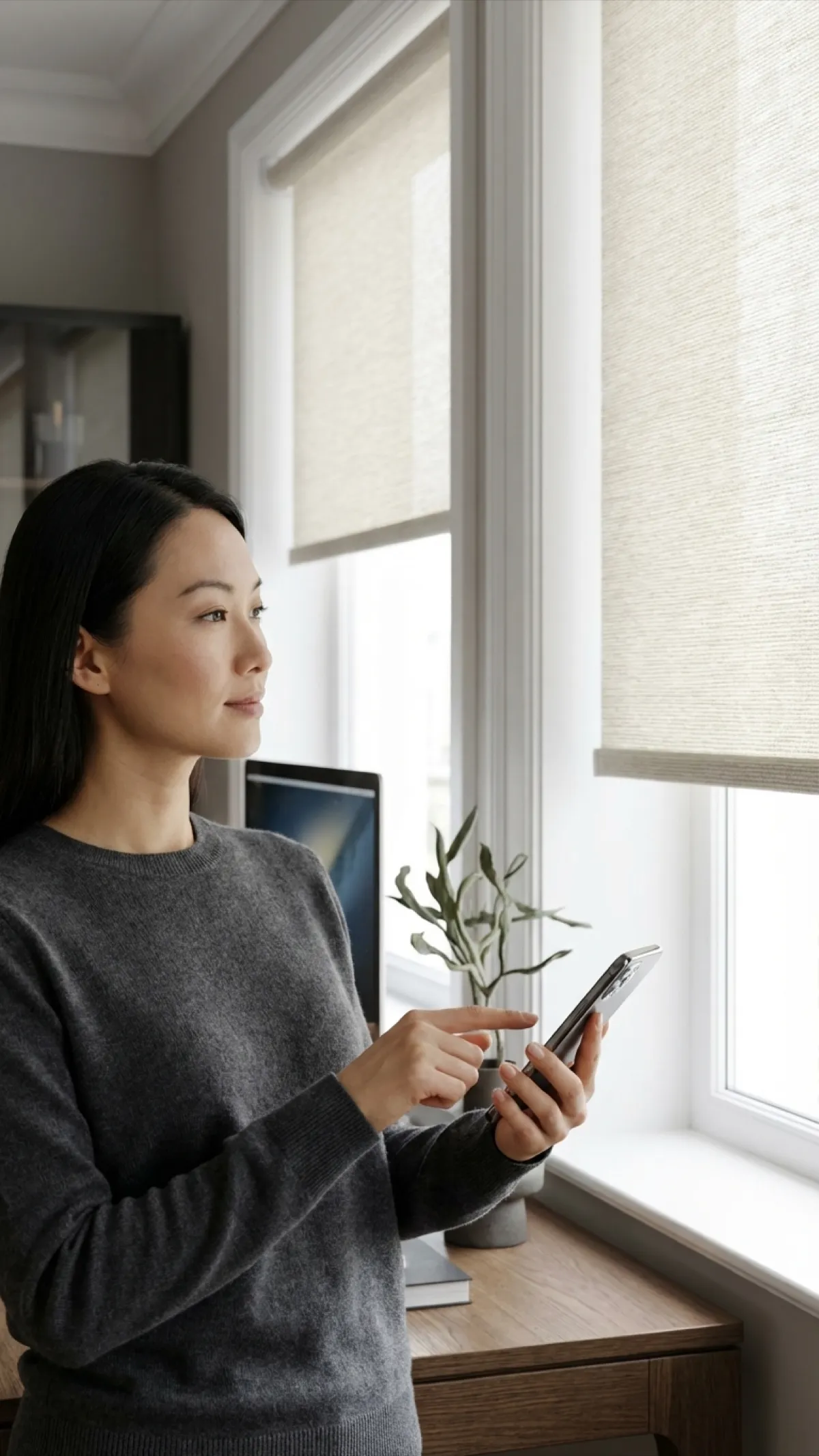
"Alexa, open the blinds." Control every window in your home with your voice. Set schedules, create routines, and enjoy hands-free convenience.
Shop Alexa-Compatible Smart Blinds™
Made to your exact window size. Prices shown for a 36" × 60" window — your size is priced live in the next step.

Quick answers
How do I connect my smart blinds to Alexa?
First, install the SmartBlinds Pro skill in your Alexa app and sign into your SmartBlinds account. Alexa will automatically discover your blinds. You can then rename them (e.g., "Bedroom Blinds") and assign them to rooms. The entire setup takes under 5 minutes.
What Alexa devices work with smart blinds?
Our smart blinds work with every Alexa-enabled device including Echo, Echo Dot, Echo Show, Echo Pop, Echo Studio, Fire TV Stick, and third-party Alexa devices. Any device that supports Alexa skills will work. You can even control blinds from Alexa on your phone.
What voice commands can I use?
You can say commands like "Alexa, open the bedroom blinds," "Alexa, close all blinds," "Alexa, set the living room blinds to 50%," or "Alexa, raise the kitchen shades." Alexa supports open, close, raise, lower, and percentage-based positioning commands.
Alexa Voice Commands for Your Blinds
Just speak naturally. Alexa understands a wide range of commands to control your smart blinds.
Set Up in 5 Simple Steps
From unboxing to voice control in under 15 minutes. No electrician or smart home expertise needed.
Install Your Blinds
Mount your motorized smart blinds following the included instructions. Charge the battery or connect hardwired power.
Connect to Wi-Fi
Download the SmartBlinds Pro app and follow the guided setup to connect your blinds to your 2.4GHz Wi-Fi network.
Enable the Alexa Skill
Open the Alexa app, search for "SmartBlinds Pro" in Skills, enable it, and sign into your account.
Discover Devices
Say "Alexa, discover my devices" or tap Discover in the Alexa app. Your blinds will appear automatically.
Name & Group
Rename each blind (e.g., "Bedroom Blinds") and assign it to the correct room in the Alexa app for grouped control.
Alexa-Compatible Products
All of our motorized smart blinds work seamlessly with Amazon Alexa right out of the box.
Motorized Roller Shades
Clean, modern look with smooth motorized operation. Available in 40+ fabrics.
Motorized Solar Shades
Block UV rays and glare while preserving your view. Openness levels from 1% to 10%.
Motorized Blackout Cellular Shades
Total light blocking with superior insulation. Perfect for bedrooms with Alexa sleep routines.
Powerful Alexa Routines
Combine your smart blinds with other Alexa devices for fully automated daily routines.
Morning Routine
- 6:30 AM Blinds open to 50%
- 6:30 AM Lights fade on
- 6:30 AM Weather briefing plays
- 7:00 AM Blinds open to 100%
Movie Night
- Step 1 Blinds close fully
- Step 2 Lights dim to 10%
- Step 3 TV turns on
- Step 4 Thermostat adjusts
Away Mode
- 8:00 AM Some blinds open
- 12:00 PM Blinds adjust randomly
- 6:00 PM Lights turn on
- 9:00 PM Blinds close
Works with Your Entire Alexa Ecosystem
Why Choose Alexa-Compatible Smart Blinds™?
Voice Control
Open, close, and adjust blinds with simple Alexa voice commands. No need to lift a finger.
Automated Routines
Set blinds to open at sunrise and close at sunset. Create Alexa routines for effortless daily schedules.
Enhanced Security
Make your home look occupied while away. Schedule blinds to open and close on a timer for added security.
App Control
Use the Alexa app or SmartBlinds app to control blinds from anywhere, even when you are not home.
Easy Setup
Connect to your existing Alexa ecosystem in minutes. No hub required with Wi-Fi enabled models.
Group Control
Control all blinds in a room or the entire house with a single command. Create custom groups in the Alexa app.
Built for Smart Homes
Perfect For Every Room
Bedrooms
Set an Alexa routine to close blackout blinds at bedtime and open them gently in the morning as your alarm.
Living Rooms
Ask Alexa to adjust blinds for movie time or let in natural light. Group all living room blinds for one command.
Home Office
Reduce screen glare with a voice command during video calls. No interruption, no distractions.
Frequently Asked Questions
Common questions about Alexa-compatible smart blinds
How do I connect my smart blinds to Alexa?
First, install the SmartBlinds Pro skill in your Alexa app and sign into your SmartBlinds account. Alexa will automatically discover your blinds. You can then rename them (e.g., "Bedroom Blinds") and assign them to rooms. The entire setup takes under 5 minutes.
What Alexa devices work with smart blinds?
Our smart blinds work with every Alexa-enabled device including Echo, Echo Dot, Echo Show, Echo Pop, Echo Studio, Fire TV Stick, and third-party Alexa devices. Any device that supports Alexa skills will work. You can even control blinds from Alexa on your phone.
What voice commands can I use?
You can say commands like "Alexa, open the bedroom blinds," "Alexa, close all blinds," "Alexa, set the living room blinds to 50%," or "Alexa, raise the kitchen shades." Alexa supports open, close, raise, lower, and percentage-based positioning commands.
Can I create Alexa routines with smart blinds?
Yes. In the Alexa app, go to Routines and add a Smart Home action for your blinds. You can trigger blinds to open or close based on time of day, sunrise/sunset, another device action, or a custom voice command. For example, create a "Good Night" routine that locks doors, turns off lights, and closes all blinds.
Do I need a smart home hub for Alexa integration?
No hub is required. Our Wi-Fi enabled smart blinds connect directly to your home Wi-Fi network (2.4GHz) and communicate with Alexa through the cloud. Just plug in or charge the blinds, connect them to Wi-Fi via the SmartBlinds app, and enable the Alexa skill.
Will my smart blinds still work if my internet goes down?
Yes. The blinds can still be controlled manually using the built-in button on the motor or the included remote control. The rechargeable battery keeps them operational. You will regain voice and app control once your internet connection is restored.
Ready for Hands-Free Window Control?
Shop Alexa-compatible smart blinds and transform your home with voice-controlled convenience.